


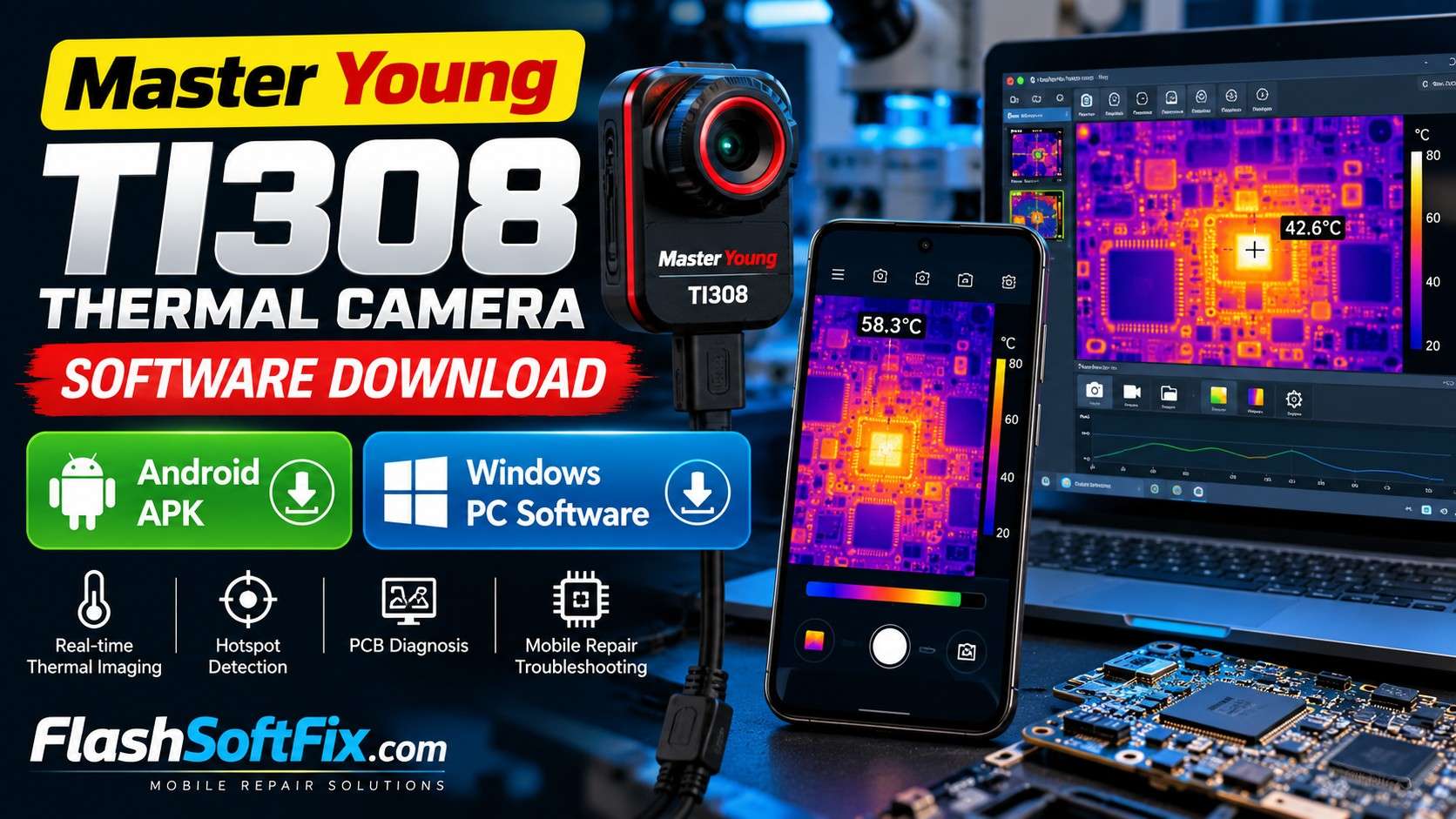
If you are using the Master Young TI308 thermal imaging camera for mobile phone repairing, PCB troubleshooting, electronics repair, or general thermal inspection, you may need the dedicated software to view and work with the thermal camera on your Android phone or Windows PC.
In this article, we are providing the Master Young TI308 thermal camera software download links for both Android and Windows.
You can download the Android APK and Windows PC software from the links below.
Master Young TI308 Software Download
| Platform | Software | Download |
|---|---|---|
| Android | Master Young TI308 Android APK | Download Android APK |
| Windows | Master Young TI308 Windows PC Software | Download Windows Software |
📱 Master Young TI308 Android APK
The Android application can be installed on a compatible Android smartphone or tablet and used with the Master Young TI308 thermal imaging camera.
Download:
DOWNLOAD MASTER YOUNG TI308 ANDROID APK
💻 Master Young TI308 Windows Software
If you want to use the TI308 thermal camera with a Windows computer, you can download the Windows PC software from the link below.
Download:
DOWNLOAD MASTER YOUNG TI308 WINDOWS SOFTWARE
What Is the Master Young TI308 Thermal Camera?
The Master Young TI308 is a thermal imaging camera designed to detect temperature differences and display them as a thermal image.
For mobile phone technicians, a thermal camera can be useful when troubleshooting problems such as:
- Short circuits on a motherboard
- Components heating abnormally
- Power rail problems
- Charging circuit faults
- PMIC-related heating
- IC overheating
- Capacitor shorts
- PCB hotspots
- Unusual current consumption
- Intermittent hardware faults
A thermal camera can help identify the area where heat is being generated, which can make PCB-level troubleshooting easier.
Why Thermal Imaging Is Useful for Mobile Repairing
When diagnosing a mobile phone motherboard, a technician may sometimes have difficulty finding a shorted component visually.
A thermal camera can provide another diagnostic method by showing temperature differences on the PCB.
For example, when voltage or current is applied to a faulty circuit, a shorted component or damaged circuit section may become warmer than the surrounding components.
The thermal image can help the technician locate that hotspot and then investigate the circuit using a multimeter, DC power supply, schematic, or boardview.
Important: A thermal camera should be used as a diagnostic aid. A visible hotspot does not automatically identify the failed component. Always confirm the fault using appropriate electrical measurements.
How to Install the Master Young TI308 Android APK
Step 1 – Download the APK
Download the Master Young TI308 Android APK using the download link above.
Step 2 – Allow APK Installation
Depending on your Android version, you may need to allow installation from an external source.
If Android displays a security warning, check that you downloaded the APK from a source you trust before continuing.
Step 3 – Install the Application
Open the downloaded APK file and follow the Android installation instructions.
Step 4 – Connect the TI308
Connect the Master Young TI308 thermal camera to your Android device using the connection method supported by your camera.
Open the application and check whether the camera is detected.
How to Install the TI308 Windows Software
Step 1 – Download the Windows Software
Use the Windows download link provided above.
Step 2 – Extract the File if Necessary
If the downloaded software is provided as a ZIP or compressed archive, extract it using Windows File Explorer or another archive utility.
Step 3 – Install or Run the Software
Open the extracted folder and look for the software installer or executable file.
Follow the installation instructions provided by the software.
Step 4 – Connect the TI308 to the PC
Connect the Master Young TI308 thermal camera to your Windows PC using the supported connection method.
After connecting the camera, open the TI308 software and check whether the camera is recognized.
Master Young TI308 for Mobile Phone Repair
Thermal imaging can be particularly useful in motherboard-level mobile phone repair.
A typical diagnostic process may look like this:
DC Power Supply → Apply Power → Observe Current Consumption → Thermal Camera → Locate Hotspot → Check Circuit → Confirm Fault
For example, if a motherboard has an abnormal current draw, the technician can inspect the PCB with the thermal camera while monitoring the current from the DC power supply.
If a particular component becomes significantly warmer than the surrounding area, that location can be investigated further.
The technician can then use a schematic or boardview to identify the circuit and measure the relevant lines.
Common Uses of a Thermal Camera in PCB Repair
1. Finding Short Circuits
A thermal camera can help locate a component that is heating because of a short circuit.
2. Finding Abnormal Heating
An IC or power component operating at an abnormal temperature may indicate a circuit problem.
3. Charging Problems
Thermal imaging can sometimes help identify abnormal heating in charging-related circuits.
4. Power Rail Troubleshooting
When troubleshooting power rails, thermal imaging can help locate areas where excessive power is being dissipated.
5. Component-Level Diagnosis
Thermal imaging can provide an additional visual reference when working on small SMD components and complex mobile phone PCBs.
Master Young TI308 Software Download – FAQ
Is the Master Young TI308 Android APK available?
Yes. An Android APK download link is provided in this article.
Is Master Young TI308 software available for Windows?
Yes. A Windows PC software download link is provided above.
Can I use the TI308 for mobile phone motherboard repair?
A thermal imaging camera can be useful for PCB and motherboard troubleshooting, particularly for locating abnormal heat and possible hotspots.
Can thermal imaging find a short circuit?
It can sometimes help locate the area generating heat from a short circuit. However, not every short produces a clearly visible hotspot, so electrical measurements should also be used.
Does the TI308 replace a multimeter?
No. Thermal imaging and electrical measurements serve different purposes. A thermal camera should be considered an additional diagnostic tool.
Is the Android APK safe?
Always verify downloaded APK files before installing them and use appropriate security precautions. Android may display a warning when installing applications obtained outside the official app store.
Where can I download the TI308 software?
You can find both the Android and Windows download links in the Master Young TI308 Software Download section of this article.
Download Links
Android APK
Master Young TI308 Android APK
Windows PC Software
Master Young TI308 Windows Software
Final Words
The Master Young TI308 thermal imaging camera can be a useful tool for technicians working on mobile phone motherboards and other electronic circuits.
Having the correct software for Android and Windows makes it easier to use the camera with different devices and workflows.
If you own a Master Young TI308, keep the appropriate software available so you can connect the camera when performing thermal diagnostics.
Note: Software compatibility can depend on the camera hardware, Android version, Windows version, connection method, and software release. Always use software appropriate for your particular TI308 device.
Frequently Asked Questions
Master Young TI308 software download?
Both Android APK and Windows PC software download links are provided in this article.
Master Young TI308 APK download?
Use the Android download link provided above.
Master Young TI308 Windows software download?
Use the Windows download link provided above.
Master Young TI308 thermal camera software for PC?
The Windows PC software is available through the Windows download link in this article.
TI308 thermal camera software for Android?
The Android APK is provided above.
Disclaimer
This article is provided for informational and software-resource purposes. The software files are linked from external storage. FlashSoftFix does not claim ownership of third-party software unless explicitly stated. Users should verify software compatibility and scan downloaded files before installation. Use the software and thermal camera according to the manufacturer’s instructions.

